テストと検証
Postman CLI
ターミナルやCI/CDパイプラインから直接、
APIを実行、テスト、検証できます。
エージェント向けにインストール
Equip your agents with pre-built skills
Drop the Postman CLI into your coding agent: postman init loads Postman's agent skills so it can run collections, tests, and API workflows without leaving your editor. Run postman skills status to keep skills current.
Marketplace
get the Postman plugin
claude plugin marketplace add anthropics/claude-plugins-officialclaude plugin install postman@claude-plugins-official
api-discovery
Find and reuse the APIs already in your org

api-testing
Generate request collections and assertions that catch regressions

api-mocking
Spin up a mock server before the API exists

api-monitoring
Watch live endpoints for uptime and drift

ci-integration
Run collection and governance checks on every commit

performance-testing
Simulate real-world load to surface bottlenecks
Try these prompts
世界中の導入企業







APIワークフローをCI/CDパイプラインに組み込む
CI/CDパイプライン内でテストを実行
テスト専用のインフラを別途維持することなく、CI/CDパイプラインが動作するあらゆる環境でPostmanコレクションを実行できます。
品質チェックを自動化
APIテストが失敗すると、CI/CDパイプラインに対応した終了コードによってリリースを停止できます。問題のあるAPIが本番環境にリリースされるのを防げます。
常に最新の状態を維持
Postman CLIが最新のコレクションと環境をPostmanから自動で取得するため、CI/CDパイプラインでは常に最新バージョンをテストできます。
Postman AIでスクリプトを生成し、CI/CDで実行
Postman AIがテストスクリプトを作成し、Postman CLIを使ってCI/CDパイプラインで実行できます。わずか数秒で、必要なテストを網羅できます。
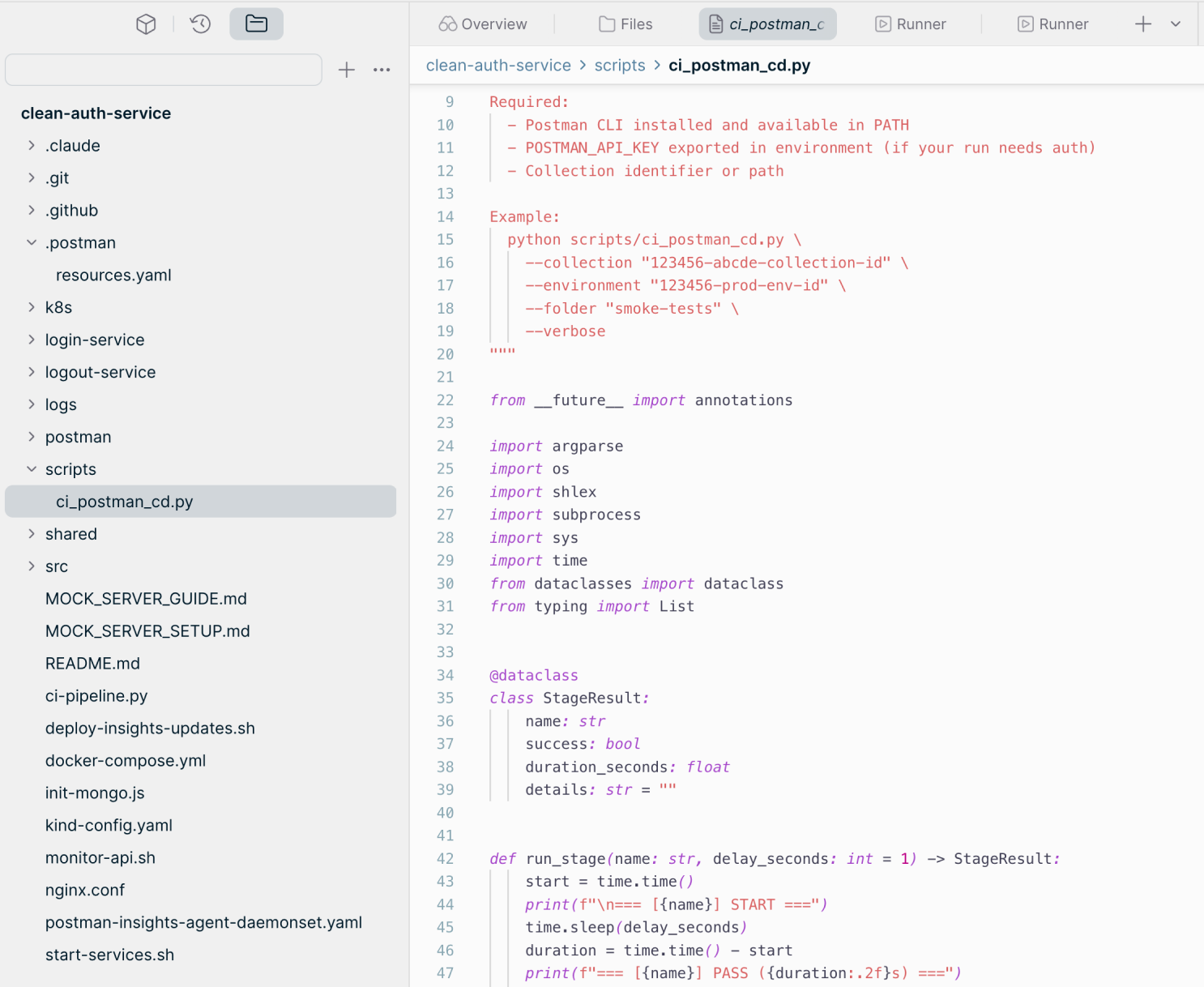
Postmanで自動化を進めたことで、チームの開発者の生産性が大幅に向上しました。また、チーム全体で状況を把握しやすくなり、インテグレーションの問題を早期に発見して、ユーザーに影響する前にエラーを検出できるようになりました。"Kirti Kulkarni氏, シニアプリンシパルアーキテクト, Sling TV


Frequently asked questions about the Postman CLI
What is the Postman CLI?
The Postman CLI is Postman's official, signed command-line tool for running and managing collections, specifications, mocks, and other Postman elements from your terminal, a coding agent, or a CI/CD pipeline. It's also bundled with the Postman desktop app.
How is the Postman CLI different from Newman?
The Postman CLI is actively developed; Newman is no longer maintained. Newman only runs collections and only supports the v2.1 JSON collection format, so it can't run v3 collections from Postman v12 and later. The Postman CLI supports all collection formats, including the v3 YAML format required for Native Git, and also works with monitors, mock servers, and flows. To switch, follow the Newman to Postman CLI migration guide.
How do I install the Postman CLI?
Install the Postman CLI with npm (npm install -g postman-cli), with the install script for macOS, Linux, and WSL, or with the PowerShell script for Windows. The Postman CLI supports the same operating systems as the Postman desktop app, except Alpine Linux. The Postman CLI installation guide lists every command.
Do I need a Postman account or API key to use the Postman CLI?
Not always. You can sign in with postman login, or run postman init to set up a project without an account. Commands that access the Postman Cloud need a valid Postman API key; commands that work on local files don't.
Which Postman plans include the Postman CLI?
Availability of some Postman CLI commands depends on your Postman plan. Compare what each plan includes on the Postman pricing page.
Can I run the Postman CLI in a CI/CD pipeline?
Yes. The Postman CLI runs in CI/CD pipelines and returns exit codes that can block a release when API tests fail. On GitHub, the Postman CLI GitHub Action runs Postman CLI commands in your workflows without a custom action, including collection runs, monitors, syntax checks, and governance validation.
How do coding agents use the Postman CLI?
Run postman init to load Postman's agent skills, such as api-testing and api-mocking, into your coding agent. The agent can then create collections, add tests, and run them from the terminal. Run postman skills status to keep skills current.
What report formats does the Postman CLI support?
The Postman CLI has built-in CLI, JSON, JUnit, and HTML reporters for collection runs. The Postman CLI reporters guide covers the options for each.

Postman CLIについて詳しく知る
Postman CLIを活用して、すべてのパイプラインでAPIテストを実行し、その結果に基づいてデプロイを制御し、APIをいつでも本番環境にリリースできる状態に保つ方法をご紹介します。お気軽にご相談ください。